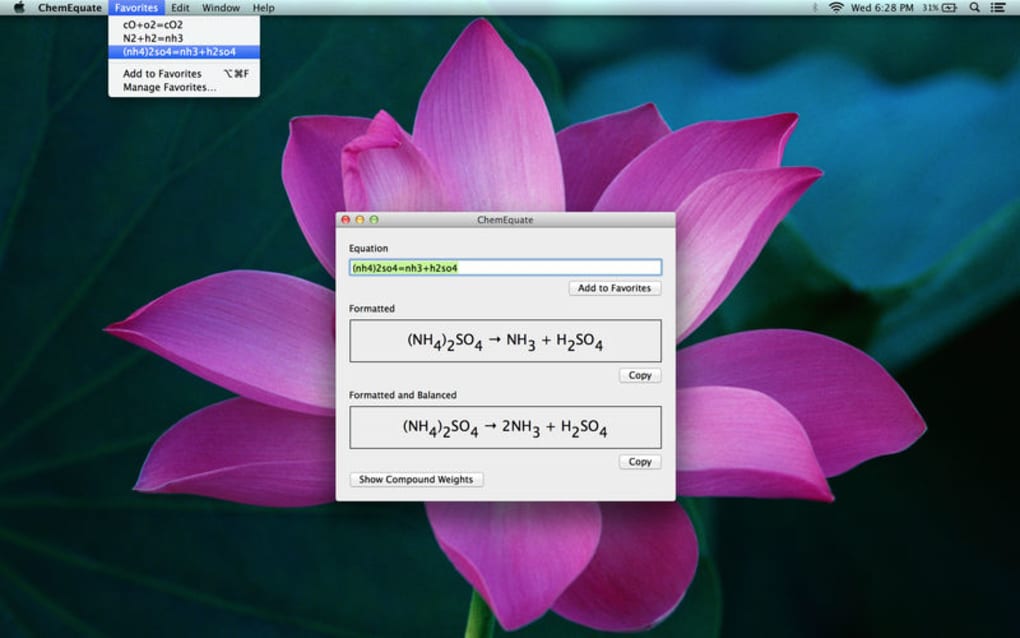
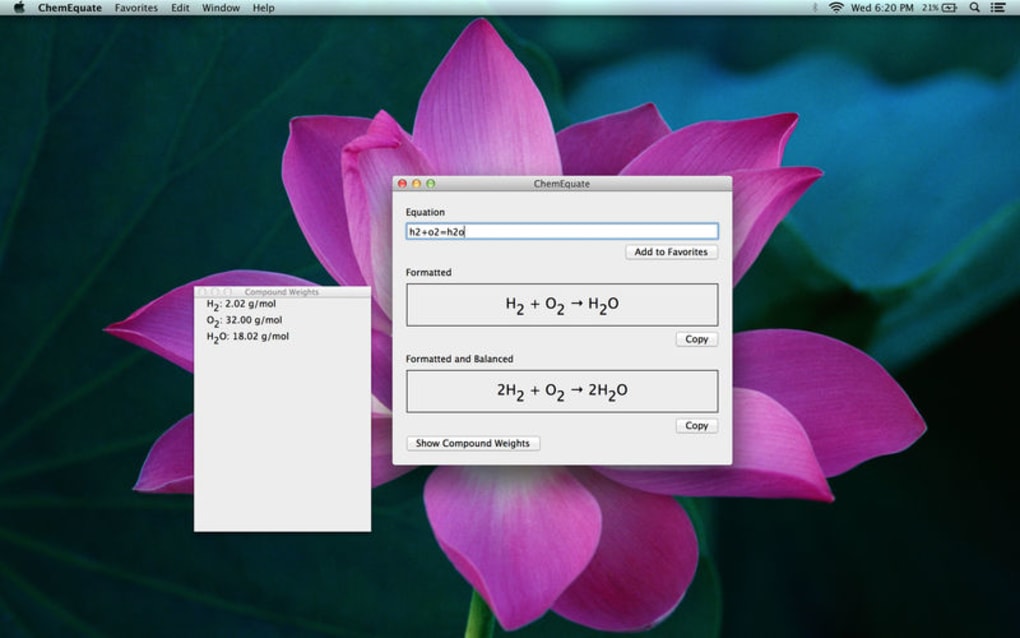
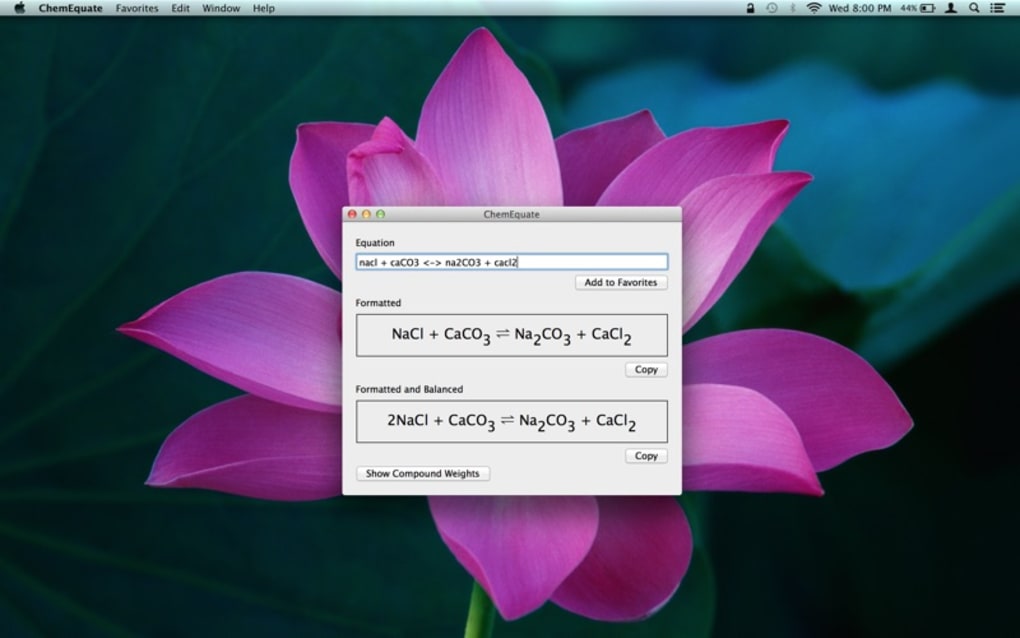

A Godsend for People Who Struggle With Chemical Equation Balancing ChemEquate is a tool that helps balance chemical equations in Word. The tool formats equations automatically. You can use the program to write down chemical equations from scratch or check whether an existing equation is balanced.
Main Features ChemEquate helps you churn out professional looking and clear chemical equations, or balance already created chemical equations instantly. The syntax is easy to use and intuitive, which means you need not be a chemistry expert to use this tool. Molecular weights are provided, which help with quick computations.
The formatted equations can be exported to other applications keeping the original format intact. Also, you may save equations for use in the future. Inputting and Keyboard Shortcuts To enter element names and characters, the tool offers several inputting options.
There are keyboard shortcuts to copy equations and display the panel of compound weights. There is support for right formatting of electrons. By the way, use upper and lower case letters correctly.
The tool also supports the reversible reaction sign. For more syntax information, you may look up the help menu. The menu shall offer you a lot more clarity on the shortcuts and signs.
Needless to say, chemistry teachers, students, professionals, and other people whose life revolves around chemistry would find this tool extremely handy.







